
Let’s be honest, who hasn’t been frustrated by a slow Wi-Fi connection at home ? Whether you’re streaming your favorite series, working from home, or gaming online, nothing ruins the experience more than constant buffering or dropped signals. So, in 2025, how can you finally say goodbye to Wi-Fi troubles ? Let me walk you through a few practical tips and essential equipment that will truly make a difference.
1. Upgrade Your Router – It’s a Game Changer
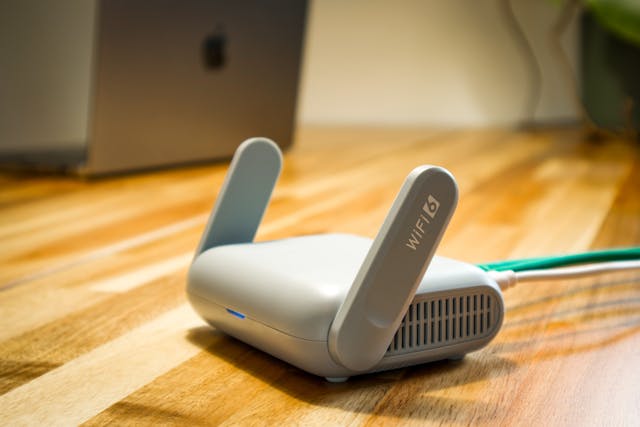 First things first, your router might be the weak link. A lot of us stick with the same one for years, right ? But here’s the thing : Wi-Fi technology evolves fast, and the router you bought five years ago may not be up to speed with today’s demands. If you haven’t yet switched to a Wi-Fi 6 router, seriously consider it. This tech is faster, more reliable, and can handle more devices without slowing down. Trust me, upgrading your router is like giving your Wi-Fi a shot of espresso.
Also, if your house is anything like mine (lots of walls and dead zones), you might want to opt for a router with a mesh network. This is a lifesaver, especially if your home is spread over several floors or if you have multiple rooms that seem to suck the signal dry.
2. Placement Matters : Find the Sweet Spot
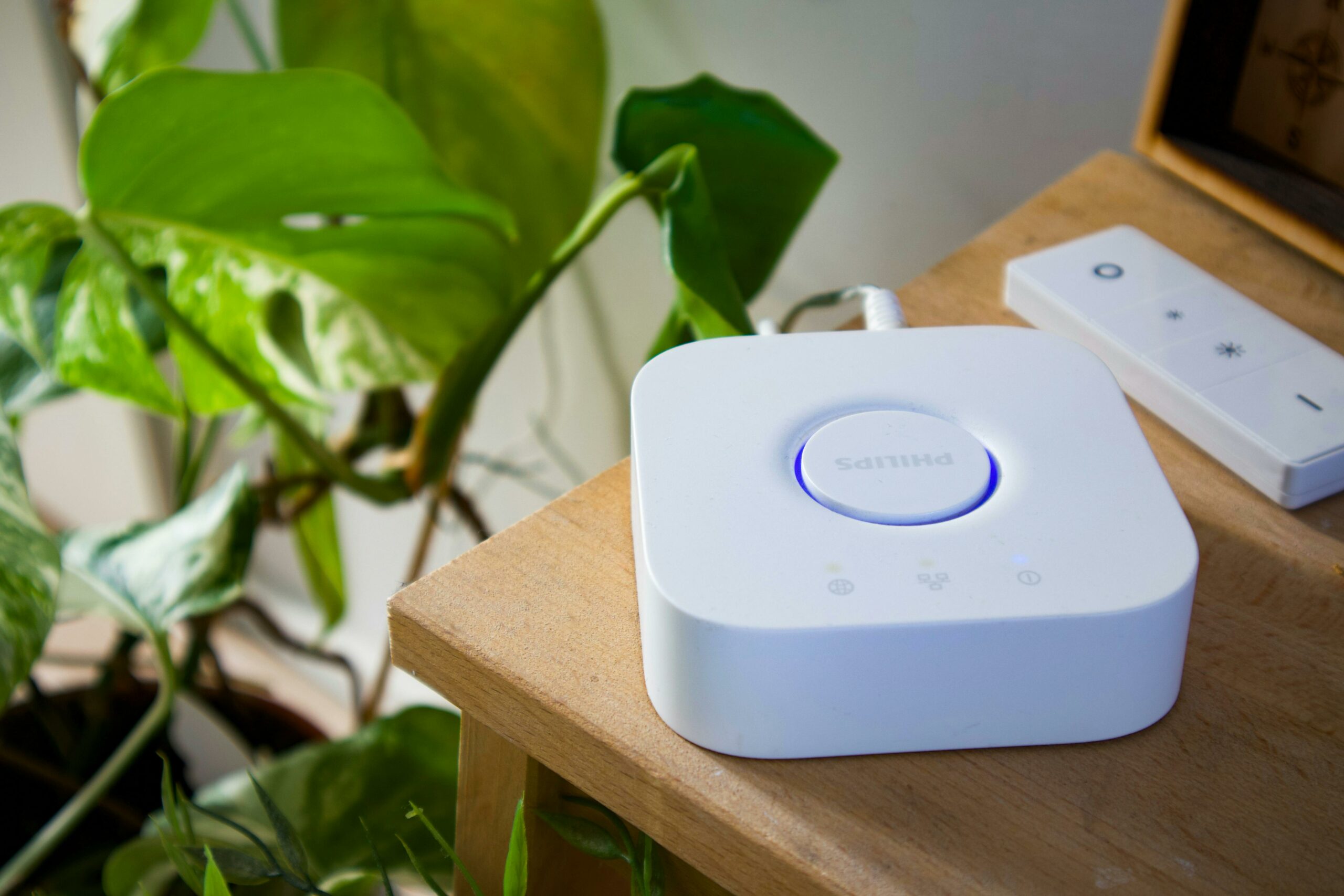
Let’s be real-where you place your router plays a huge role in the quality of your connection. It’s not enough to just toss it in a corner and forget about it. Think about it like this : a router in the basement won’t do you much good if you’re working in the kitchen. The Wi-Fi signal needs to travel through walls, floors, and furniture, so it’s best to place your router in a central location, away from obstructions.
And, no joke, keep it off the floor ! I know, it sounds basic, but having your router up high (like on a shelf or table) really helps spread the signal more evenly across the house. Sometimes, little things like this make all the difference.
3. Extenders or Mesh Systems : For Those Hard-to-Reach Areas
Let’s talk about those spots in your home where the Wi-Fi signal just refuses to reach. Maybe it’s that one room in the back, or your garage, or the garden. If your router alone isn’t cutting it, a Wi-Fi extender can help bridge that gap. They’re pretty affordable, and they do a decent job of amplifying the signal to areas that are too far for your main router to handle.
However, if you want something a bit more sophisticated and seamless, a mesh Wi-Fi system is worth considering. Mesh networks come with multiple units (or “nodes”) that communicate with each other, ensuring that the signal is strong no matter where you are in your home. In my experience, it’s a real upgrade, especially if you’re tired of dealing with those annoying “Wi-Fi is unavailable” pop-ups.
4. Don’t Forget About the Devices
It’s not always just about the router ! Sometimes, the problem lies with the devices themselves. For instance, older smartphones or laptops might not support the latest Wi-Fi standards, which could be why you’re not seeing the speeds you expect. If you’re still using a device from 2017, it could be time for an upgrade. I found that switching to a newer laptop made a surprising difference in speed.
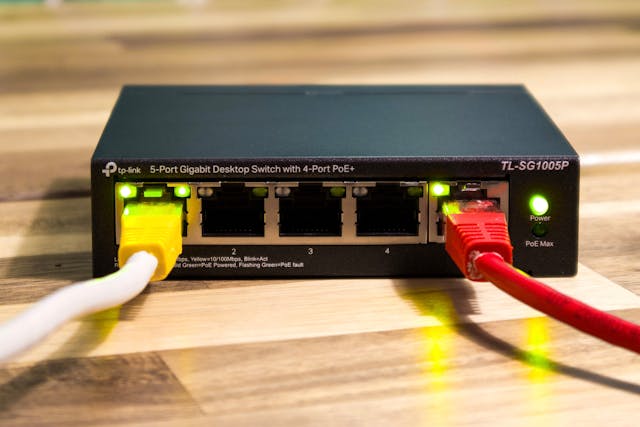
Also, try to connect your important devices (like your work computer or gaming console) directly to the router using an Ethernet cable. It’s like giving them a VIP pass to the fastest connection possible. If you’re wired, you’re golden.
5. Update Your Firmware – Seriously, Don’t Skip This
Now, this is something a lot of people forget : router firmware updates. Your router is essentially a mini-computer, and like all tech, it needs updates to stay at its best. Manufacturers frequently release firmware updates that can improve your Wi-Fi performance, fix bugs, or add new features. I know it sounds boring, but spending five minutes checking for updates might save you a ton of headaches later on.
6. Switch to a Less Crowded Channel
 Wi-Fi signals don’t just float through the air like magic, they’re on specific channels. In many cases, your neighbors are likely using the same Wi-Fi channels, especially if you live in a crowded apartment building. This leads to congestion and slower speeds. Luckily, you can change your router’s channel to avoid this mess.
Most modern routers can automatically pick the best channel for you, but if you’re tech-savvy (or feeling adventurous), you can manually choose a less crowded channel. You’d be surprised at how much this simple step can boost your connection !
7. Consider Investing in Wi-Fi 6E
Alright, if you’re really serious about future-proofing your home network, consider going all-in on Wi-Fi 6E. This is the latest upgrade to Wi-Fi 6, and it opens up a whole new frequency band (6 GHz) that’s less crowded than the usual 2.4 GHz or 5 GHz bands. In areas where congestion is a real issue, Wi-Fi 6E can provide faster, more reliable speeds.
But here’s the kicker-if you’re going for Wi-Fi 6E, you’ll need devices that support it. This is one of those “new tech, new devices” situations, so make sure your gadgets are ready for the upgrade if you go down that road.
8. The Power of the Right Internet Plan
And, finally, let’s not forget about your internet plan. It’s easy to assume that the problem is always Wi-Fi-related, but sometimes, it’s simply that your internet connection itself isn’t fast enough for what you’re trying to do. If you’ve got a plan that offers low speeds, upgrading to a higher-tier plan could make a huge difference. I’ve personally found that going from a 100 Mbps plan to a 500 Mbps plan completely transformed my online experience.
Wrapping It Up : A Better Wi-Fi Experience in 2025
 At the end of the day, boosting your Wi-Fi at home in 2025 isn’t rocket science. It’s all about choosing the right equipment, positioning it well, and keeping everything updated. With a few tweaks here and there-like upgrading to a Wi-Fi 6 router, placing your router strategically, and investing in a mesh system-you’ll enjoy smoother streaming, faster downloads, and less frustration. So, what’s your current Wi-Fi situation ? Ready to give it a serious upgrade ?